Scanning
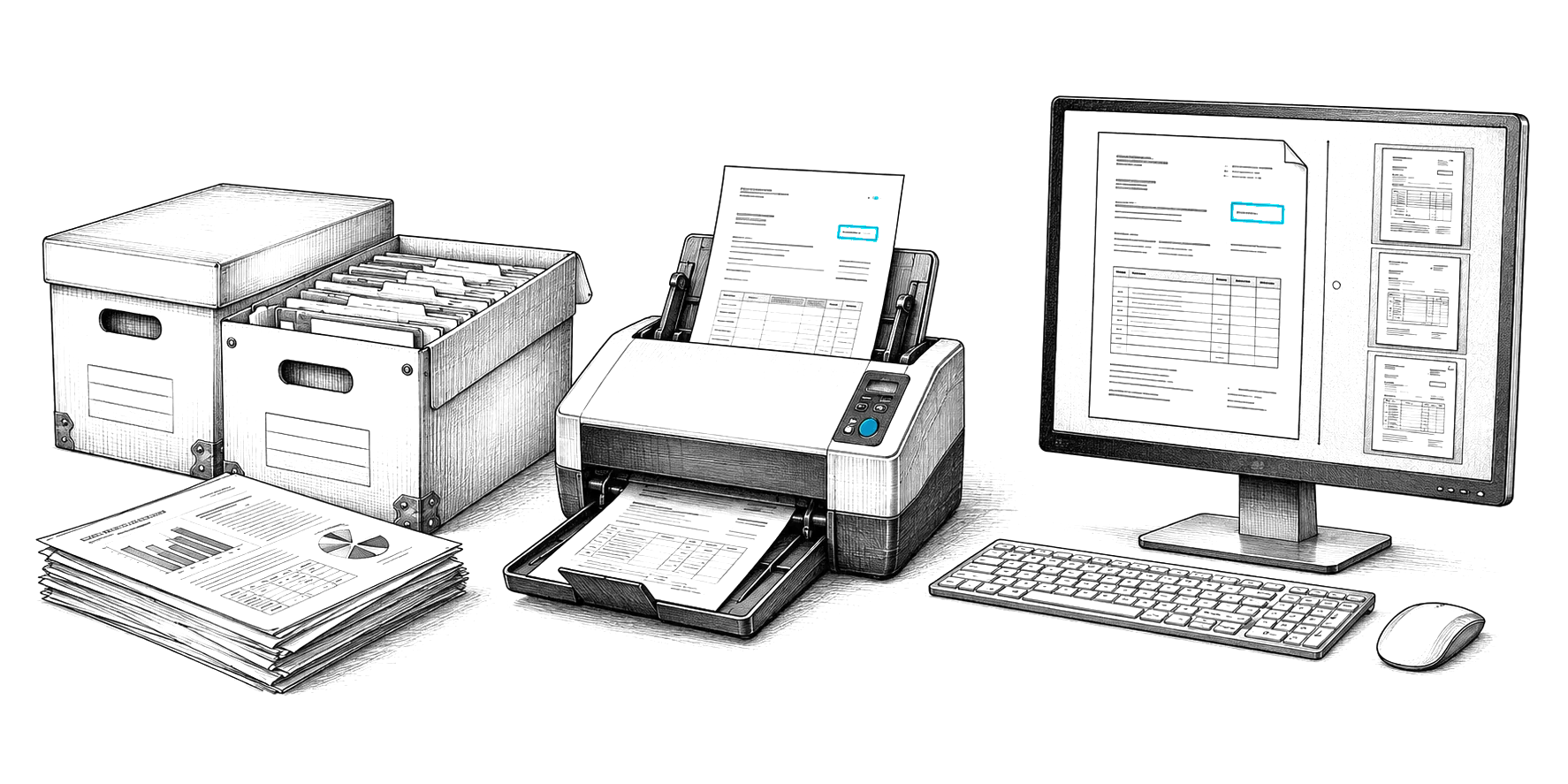
Scan the whole stack at once.
Drop a full batch in the feeder. CapturePoint 6 finds where one document ends and the next begins, so nobody has to sort or insert separator pages first.
CapturePoint 6 guide
How to get CapturePoint 6 running on your Windows PC, try it on sample documents, set it loose on your own and send every document where your team works. Cutting-edge local AI that splits, sorts, reads and names, right next to your scanner.
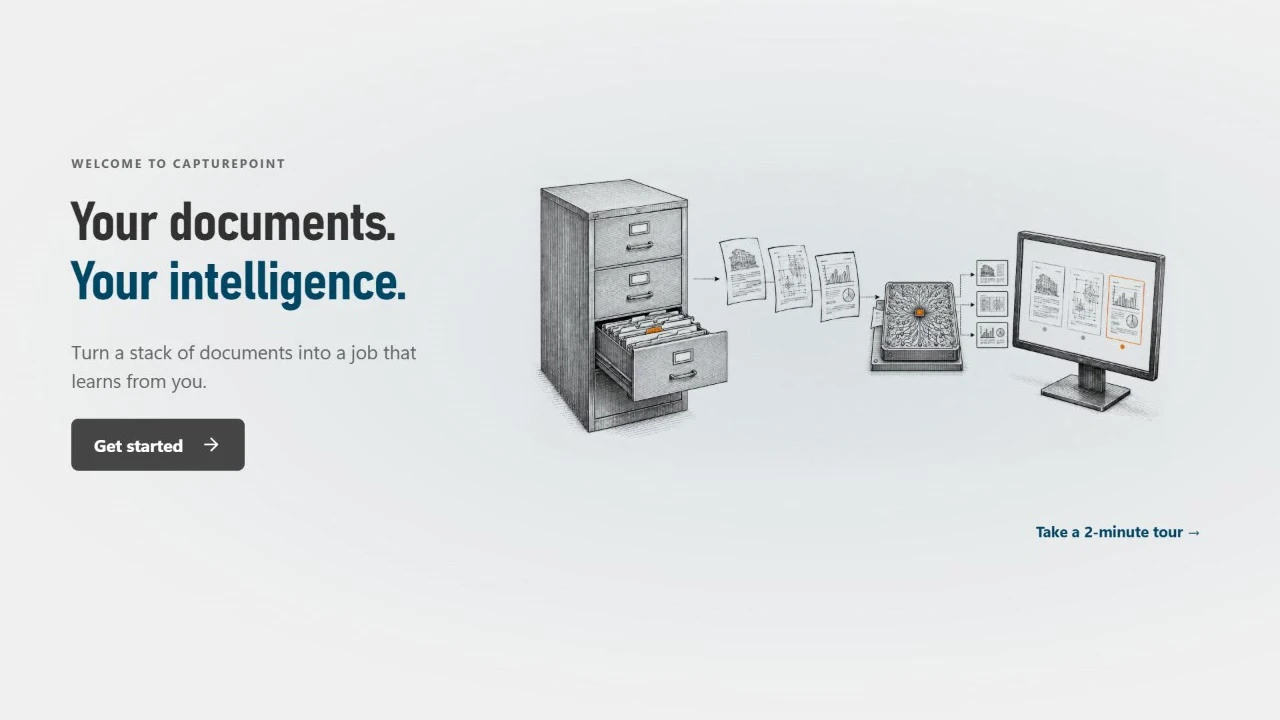
The first thing you see: Get started, or take a 2-minute tour.
01Before you start
Probably nothing new. It runs on the PC you have and works with the scanner you already own.
02Your first hour
Download the free trial and run the installer. The trial starts the first time you open it, with no form to fill in.
Start it from the welcome screen and do the real steps on five sample accounts payable documents. It ends in your own job.
Give it a folder of your real documents. It works out the document types and the fields to read, on its own.
Confirm what it read, then send each document where your team works, named and filed.
When it opens, the welcome offers Get started and a 2-minute tour. The tour runs on sample documents: you do the real steps in the real workspace, and it ends in your own job.
The tour uses five sample accounts payable documents: an invoice, a purchase order, a credit memo, a W-9 and an expense report.
03How it works
Hand it a mixed folder and it sorts out what is an invoice, a statement or a packing slip, and what to pull from each one. No templates, no zones.
Names, dates, totals, account numbers and full line-item tables. Anything below the confidence level you set waits for a person, with the reason shown.
CapturePoint 6 learns from every answer you confirm. Confirm one document and it can clear the others like it on its own, so your team touches less each week.
Where it sends
Reading happens on your PC. Each document is then named and filed as a searchable PDF in your own folders or Content Central, and a job can also send it to SharePoint or OneDrive, Google Drive, Dropbox or Nucleus One.
 SharePoint and OneDrive
 Google Drive
 Dropbox
SharePoint and OneDrive need a Microsoft 365 work or school account.
04Good habits
Scanning
Setup
Review
Naming
Archive
Habits
05Pricing
Every feature included. Already a CapturePoint customer with active maintenance and support? CapturePoint 6 is included.
Questions
A Windows 11 (64-bit) PC with at least 8 cores (16 threads), 24 GB of memory and 50 GB free on an SSD. A graphics card is optional: with one, plan on 32 GB of memory and 75 GB free. The installer is about 367 MB, and on first run CapturePoint downloads its components once (about 6 GB). The full requirements and the speed test are in the help guide (help.ademero.com).
TWAIN scanners, plus PDF, TIFF, JPEG, PNG, BMP and GIF files. A built-in demo scanner lets you try a full scan without hardware.
Yes. Download the free trial and start using it right away. No sign-up and no credit card. Take the 2-minute tour from the welcome screen to see it work on five sample accounts payable documents. Need more time? Just ask.
CapturePoint 6 Lite is $190 a month per PC for 5,000 pages a month, or $1,900 a year per PC (two months free) for 60,000 pages a year. Every feature, maintenance and support are included, and you can add pages anytime. For unlimited pages, ask for an Enterprise quote. Pay by card, or choose "Bill us instead" to get an invoice.
Yes, and if you have active maintenance and support, CapturePoint 6 is included at no extra cost. It is a ground-up, AI-first rebuild of CapturePoint, and it can import your existing jobs.
Free live demo
Book a free demo and we will show you around, answer your questions and run your real paperwork through it. No cost, no pressure.